
Managing a bunch of padlocks shouldn't feel like a puzzle. Whether you're running a business or just tired of carrying a key for every lock you own, we can set your padlocks up in a way that actually makes life easier. Here's a rundown of what we offer and how it all works.
Keyed Alike
Ever reached for your keys and spent a full minute working out which one opens which padlock? Keyed alike puts an end to that.
Simply put, ‘keyed alike’ means that multiple padlocks all open with the same key. So whether you've got five locks on a site or fifteen across a building, one key does the job. No more keyrings that weigh as much as a brick.
It's a popular choice for schools, gyms, storage facilities and businesses that need several padlocks without the hassle of juggling a different key for each one.


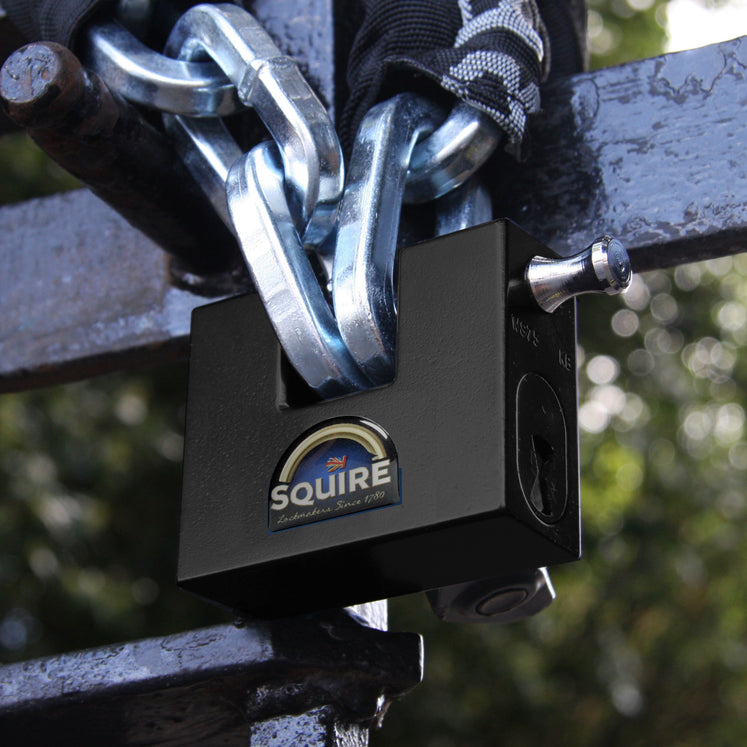


Restricted Keyways
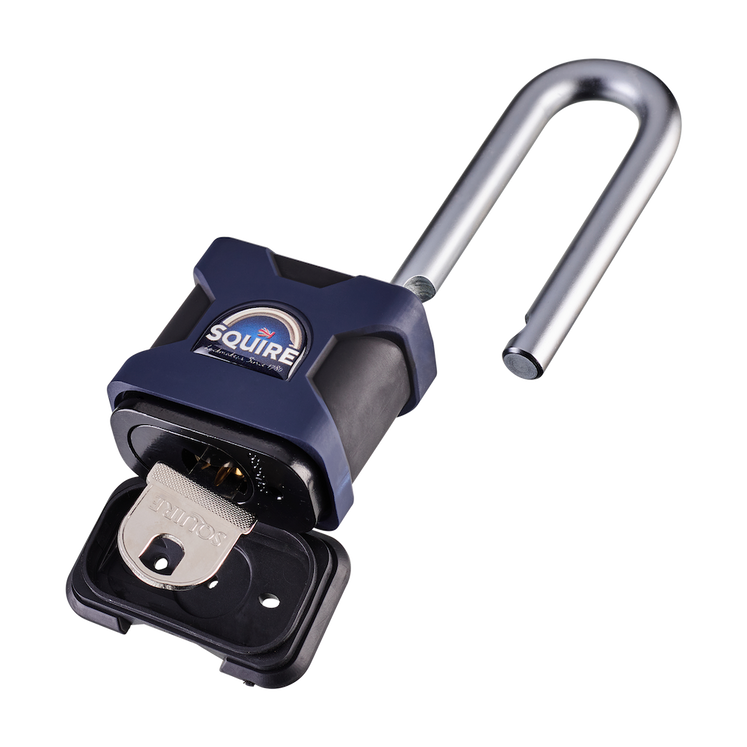
A restricted keyway means the key profile is unique and not freely available to be copied. You can't just walk into a key-cutting shop on the high street and get a spare cut; duplicates can only be made through us or the manufacturer and only with the right authorisation.
Why does that matter? Because knowing who has a key to your property is part of keeping it secure. If keys can be copied freely, you can never be fully sure how many are floating around.
Restricted keys are a smart choice for businesses, landlords, schools - anywhere that access control really counts.


Patented Keyways
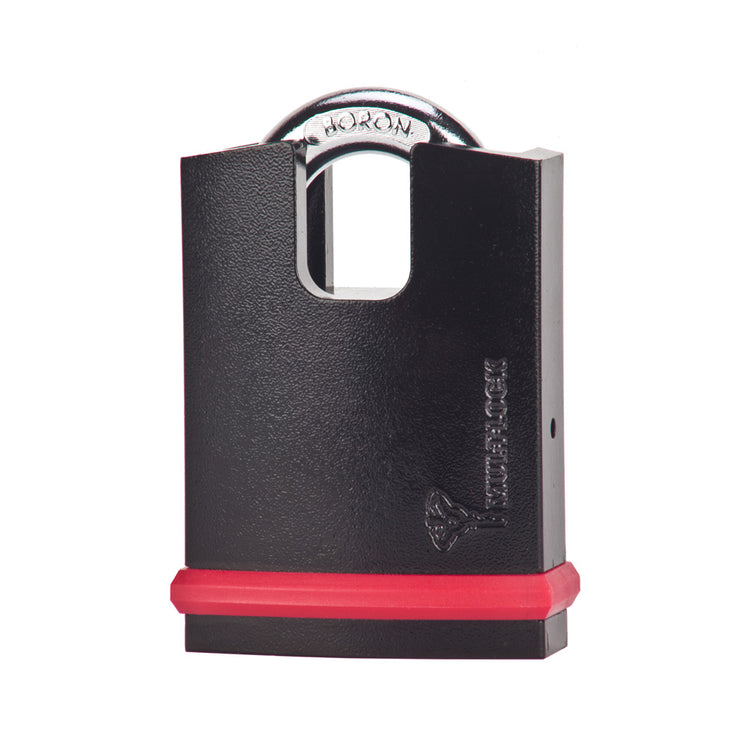
Patented keyways take key control even further. The key profile is protected by a patent, which means duplication is legally restricted and technically controlled. Keys can only ever be made with the owner's written authorisation. If you're looking for the highest level of key security available, this is it.


🔑 Key Duplication
Need a spare key for your padlock? It's a straightforward process. For restricted padlocks, simply send a photo of the front and back of your existing key to info@locksdirect.co.uk and we'll take it from there, walking you through the next steps to get your additional keys ordered.
Because restricted and patented keys can only be issued to authorised individuals, we'll need to verify that before any duplicates are made. It's a quick process and it's there to protect you. After all, the whole point of a restricted key is knowing exactly who has one.
Not Sure What You Need?
That's what we're here for. Give us a call on 0800 542 1264 (freephone) or drop us an email at info@locksdirect.co.uk and we'll point you in the right direction.
Frequently Asked Questions
Can Locks Direct set up my padlocks as keyed alike?
Yes. When you place your order, you can select the keyed alike option at the basket. If you're unsure which padlocks in our range support keyed alike, give us a call on 0800 542 1264 and we'll point you in the right direction.
Is there a limit to how many padlocks I can have on one key?
No, there is no limit at all. Whether you need two locks on the same key or two hundred, we can arrange it. Larger keyed alike setups for commercial customers are something we do regularly. Just get in touch and we'll talk through what you need.
Will the master key open any padlock, or just mine?
Just yours. A master key is set up specifically for your suite of padlocks. It won't open locks outside of your system, so there's no security compromise in having one.
We need padlocks across multiple sites. Can they all work from one master key?
In most cases, yes. It depends on the number of locks and the level of access control you need. It's best to talk it through with us directly so we can design a system that actually works for you, rather than one that just roughly fits.
Can Locks Direct cut spare keys for my restricted or patented padlocks?
Yes. Just send a photo of the front and back of your existing key to info@locksdirect.co.uk and we'll walk you through the next steps. You'll need to be the registered key holder before any duplicates can be made, so it's worth keeping your authorisation paperwork in order from day one.